Notes
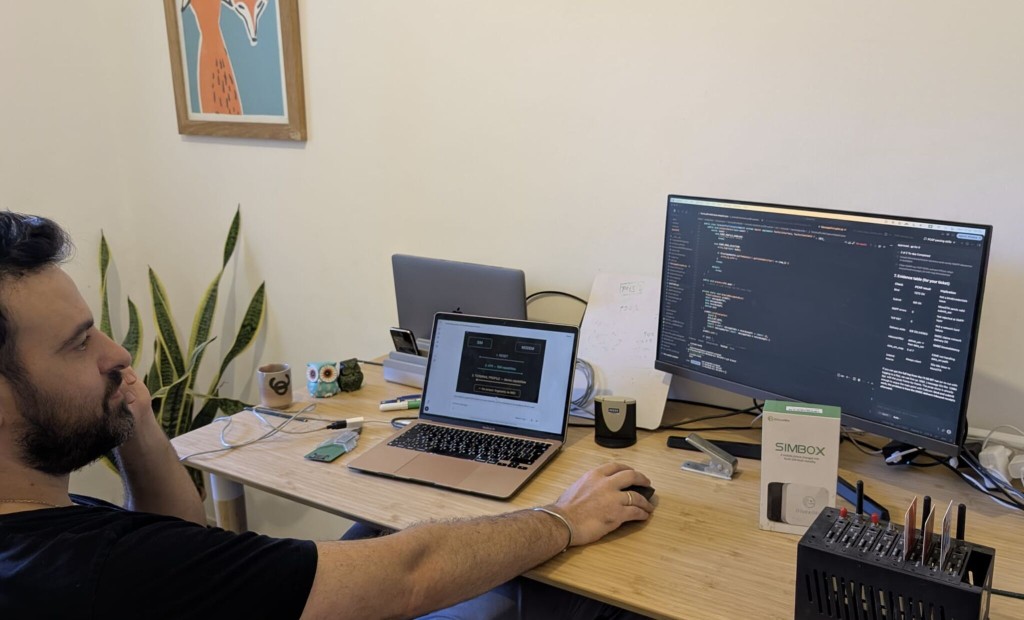
A SIMbox can fake the IMEI. The Terminal Profile still talks.
A SIM developer I work with told me he tried building an applet with Claude. It hallucinated, badly.
“Good place for job security,” he said.
He's right — there's simply not enough public applet code out there for AI to learn from.
Sharing a SIM applet I built a few years ago: it sits on your customers' SIMs and analyzes the modem it's plugged into.
Why build this? Fraud.
Telecom attackers don't use one SIM — they use hundreds, driven by a box that controls multiple SIMs at once: a SIMbox. The good news: a SIMbox can be detected from inside the SIM itself, like an antivirus that alerts the operator's fraud team.
The bad news: you can't count on the hardware serial number, the IMEI — SIMboxes fake it.
So I needed to recognize a bad device without trusting the IMEI.
(New to SIM internals? A SIM is a full computer — RAM, persistent storage, and applications called SIM Toolkit applets.)
The mechanism: when a SIM meets a device —
- Reset — the modem resets the SIM
- ATR (Answer To Reset) — the SIM answers with its capabilities
- Terminal Profile — the device declares its capabilities back
Step 3 is the jackpot: an applet can read it and fingerprint the device. No IMEI needed.
Plot twist: while researching this direction, I found that cheap modems lie in their Terminal Profile — too many false alarms. So this approach stayed in the lab.
But it's still useful for fingerprinting consumer (smart) devices — where modems don't lie.
A later technique became AntifraudSTK — patent pending. If SIMbox detection from the card is relevant, that is a conversation, not a download.
Parser source: GitHub (morestk) · All notes · How a SIM actually works